
Desktop Assistants
Claude Desktop (Cowork) and ChatGPT Work run B2C Commerce tasks from the desktop, outside a code editor or terminal. Each app installs plugins from its own source, so a plugin installed in one Claude or ChatGPT surface is not always available in another.
The b2c-dx-mcp plugin includes the B2C MCP tools, documentation, and skill collections. No separate skills installation is needed.
| Surface | Where plugins come from | Setup |
|---|---|---|
| Claude Desktop (Cowork) | Marketplaces added in Claude Desktop | Claude Desktop (Cowork) |
| Claude Desktop Code tab | Claude Code plugins | Claude Code setup |
| ChatGPT Work | Codex plugins | ChatGPT Work |
| ChatGPT online | Secure MCP Tunnel | ChatGPT online |
Before you start
Install Node.js 22.16.0 or higher. The plugin starts the MCP server on your computer with npx. Connected tasks use your existing B2C Commerce configuration.
Claude Desktop (Cowork)
Claude Desktop runs tasks from Home; this was previously the separate Cowork mode. It installs plugins separately from Claude Code. Plugins installed with claude plugin install are available in the Code tab, not on Home.
Add a marketplace with the URL
SalesforceCommerceCloud/b2c-developer-tooling. Keep Sync automatically on to receive updates.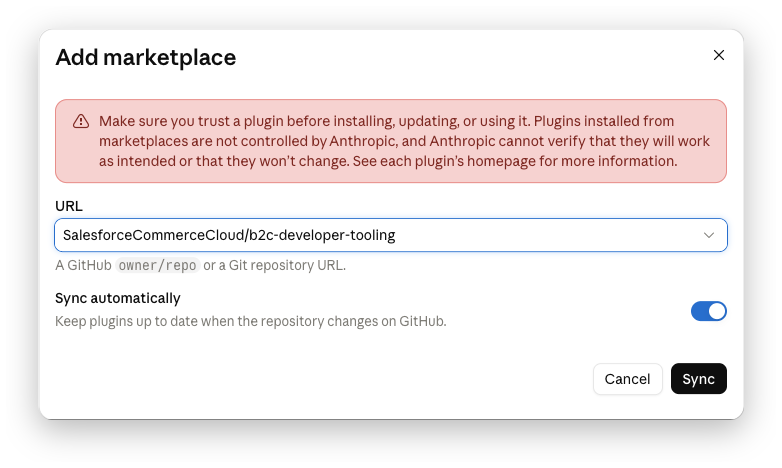
Install b2c-dx-mcp. Claude warns that the plugin runs a local MCP server with access to everything available to Cowork. Select Continue.
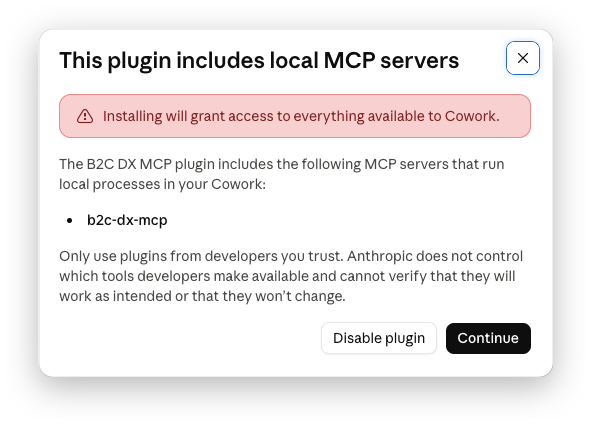
Optionally install skill collections such as b2c, b2c-cli, or b2c-ops to load their guidance directly. The MCP already provides them through
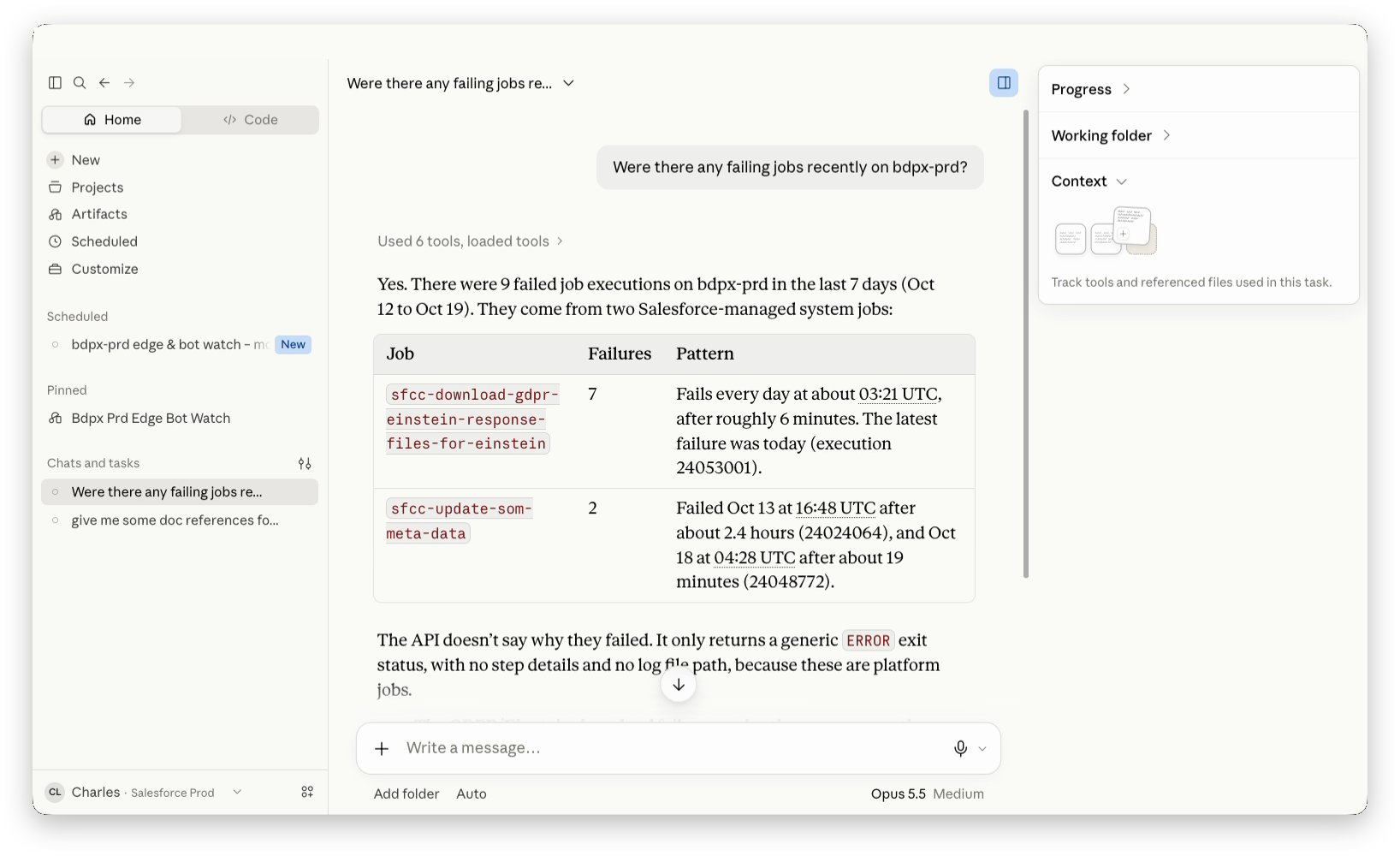
skills_read.Start a new task from Home. If your message box still shows Chat and Cowork options, choose Cowork.
Were there any failing jobs recently on my site?
ChatGPT Work
The ChatGPT desktop app runs Codex plugins. Codex shares its plugins between ChatGPT and the Codex CLI, so installing in either place makes the plugin available in both. To install in ChatGPT:
Open Settings > Plugins and select Add > Add marketplace. Enter
SalesforceCommerceCloud/b2c-developer-toolingas the source, leave the other fields empty, and select Add marketplace.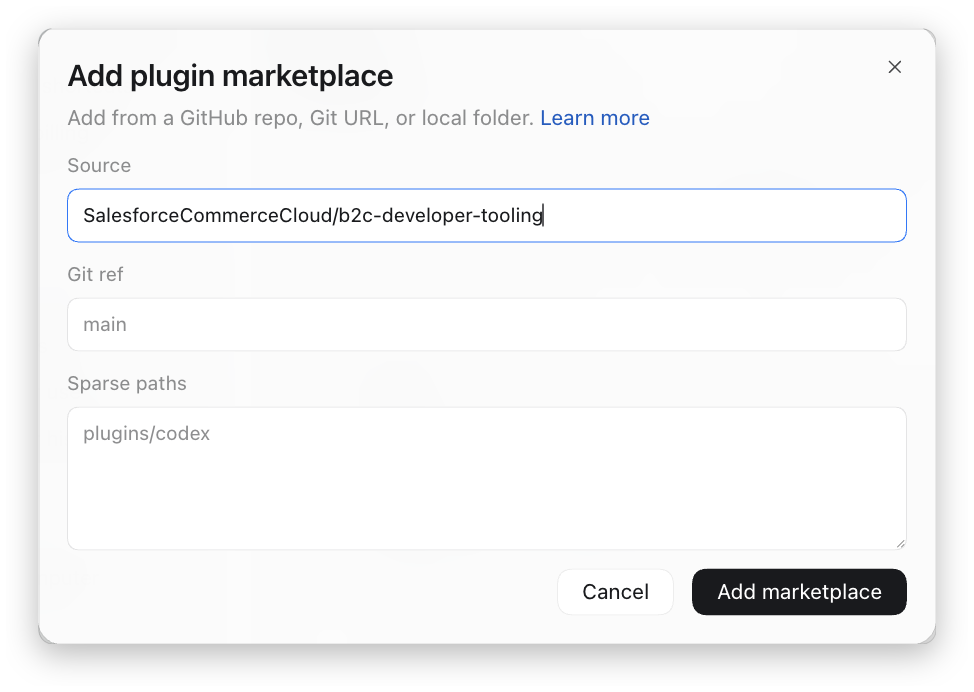
Open Plugins, select the Personal tab, choose B2C DX MCP, and select Install plugin.
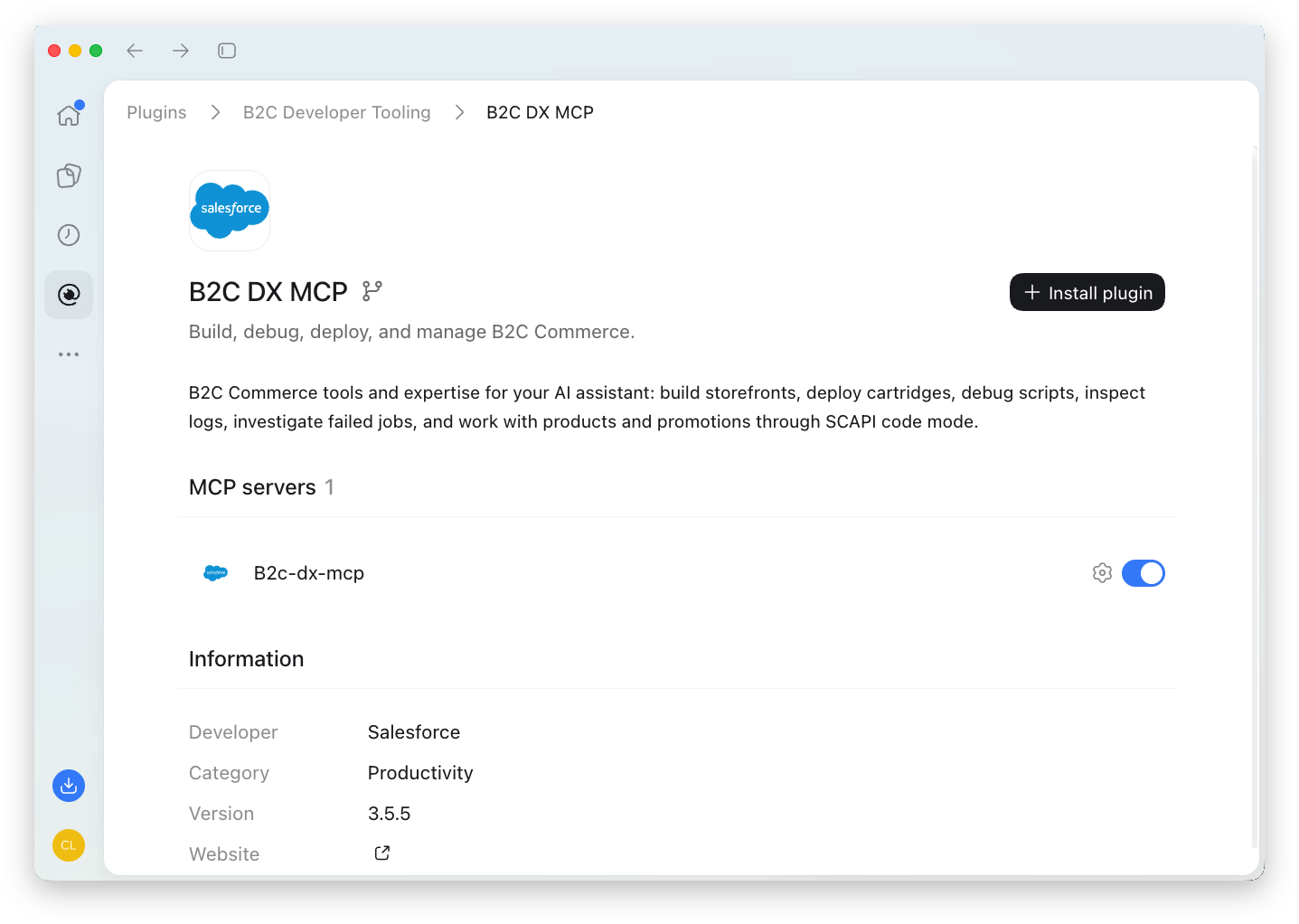
To install with the Codex CLI instead:
codex plugin marketplace add SalesforceCommerceCloud/b2c-developer-tooling
codex plugin add b2c-dx-mcp@b2c-developer-tooling
Start a new ChatGPT Work task. To update or remove the plugin, use the Codex CLI commands.
Summarize the current promotions and campaigns on my site. Any schedule conflicts?
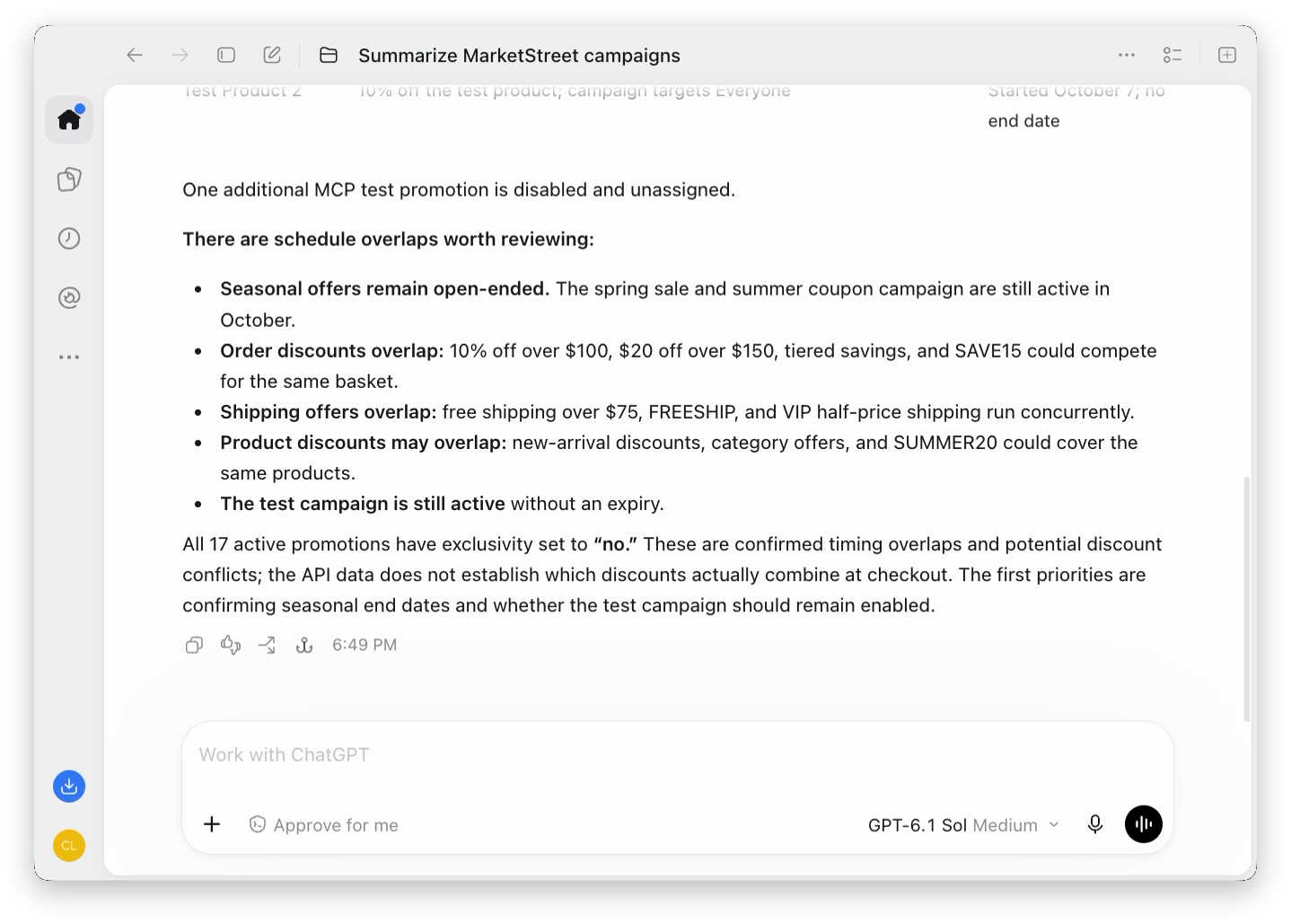
ChatGPT online in a browser does not use Codex plugins. To connect it, see ChatGPT online.
Troubleshooting
| Problem | What to check |
|---|---|
| Plugin is missing | Check that you installed it for this surface. Claude Desktop (Cowork) and Claude Code install separately; ChatGPT and the Codex CLI share Codex plugins. |
| Server does not start | Run node --version and confirm Node.js 22.16.0 or higher. Restart the app after installing Node.js. |
| Wrong project or instance | Specify the intended project or named instance in your request. |
| Old tools or skills | Update the marketplace or plugin, then start a new task. |
| Artifact shows no data | Cowork artifacts cannot call local MCP tools. Embed the data and refresh it with a scheduled task. |
See MCP troubleshooting for authentication and configuration issues.